
Unlock your store’s full potential. Learn to measure and boost your conversion rate in retail with actionable strategies for online and physical stores.
Your retail conversion rate is simply the percentage of visitors who buy something. If 100 people walk through your doors and 2 make a purchase, you’re at 2%. It sounds basic, but this one number tells you more about your business health than almost any other metric.
What your conversion rate actually tells you
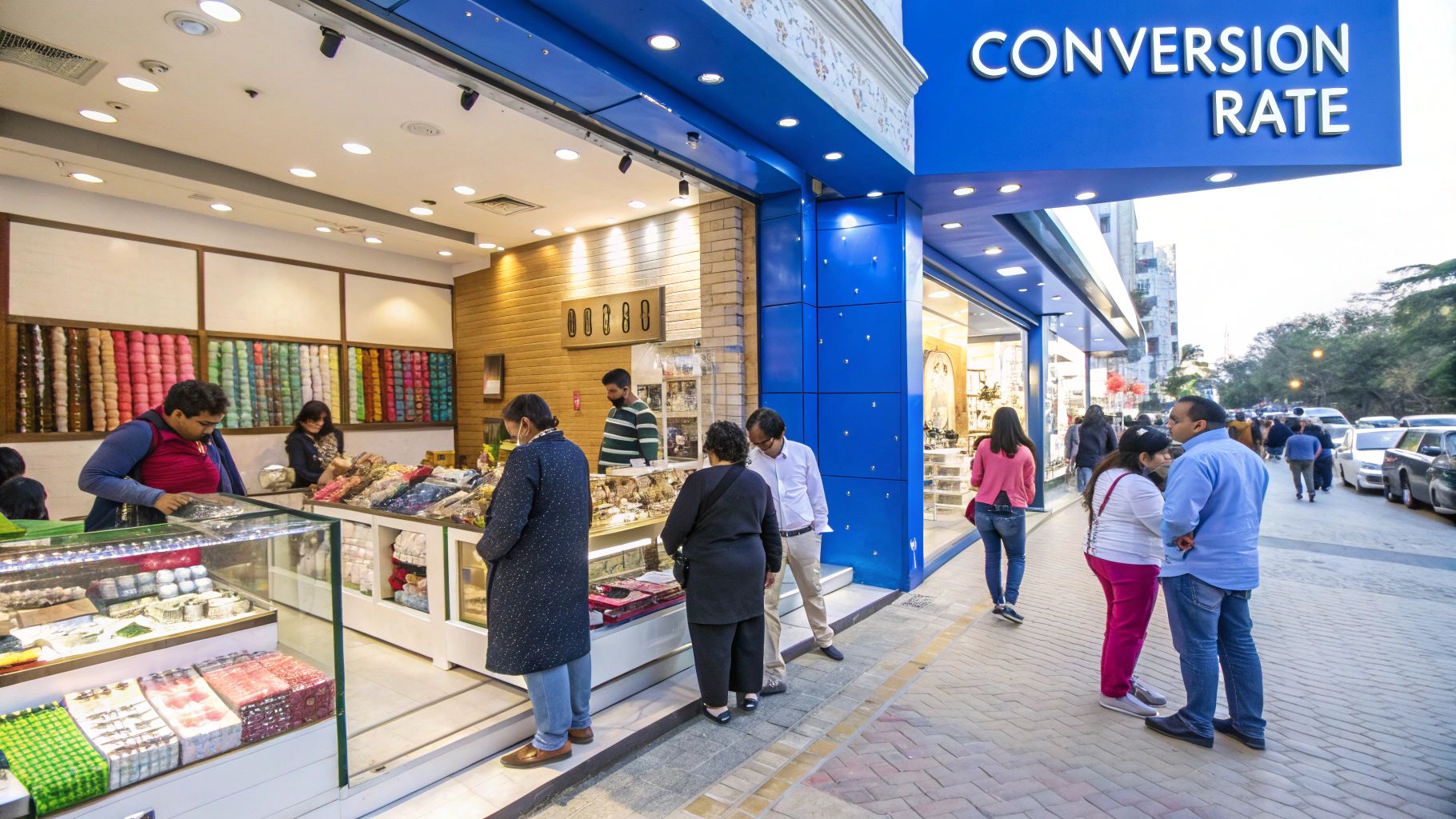
At VideoQi, we’ve worked with hundreds of retailers, and I’ve noticed something consistent: store owners fixate on traffic numbers when they should be obsessing over conversion. A low conversion rate is a symptom, not the disease. It’s telling you that somewhere between “hello” and “here’s my credit card,” something went wrong.
Picture your store as a bucket catching rain. Foot traffic is rain; conversions are what you actually keep. A store with a confusing layout, disengaged staff, or a clunky checkout process has holes in that bucket. And no amount of rain-or advertising spend-will fill a leaky bucket.
Our customers report that focusing on conversion first, before pouring money into traffic acquisition, typically yields 2-3x better ROI. It’s almost always cheaper to convert the visitors you already have than to constantly pay for new ones.
Reading the signals
Your conversion rate gives you diagnostic information about your entire operation. Did your rate tank after you reorganized the store? That layout isn’t working. Is your mobile conversion rate half of your desktop rate? That’s not a traffic problem-that’s a mobile UX problem.
Some questions worth asking:
- Store layout: Can customers find what they want, or are they getting stuck?
- Staff effectiveness: Are your team members helping customers make decisions?
- Product presentation: Is your pricing clear? Are promotions visible?
- Checkout experience: How many steps does it take to complete a purchase?
Traffic vs. conversion: the real math
Here’s a scenario I see constantly: a retailer spends $10,000 on ads to drive 5,000 visitors, converts 1% (50 sales), and wonders why their margins are so thin. Meanwhile, a competitor with half the traffic but a 3% conversion rate is making more sales with less spend.
High traffic means you’re popular. High conversion means you’re profitable. These aren’t the same thing, and understanding that distinction is where successful retail operations begin.
How to calculate your retail conversion rate
The formula is straightforward:
(Total Sales / Total Visitors) x 100 = Conversion Rate %
If your store had 1,000 visitors last month and 40 sales, that’s (40 / 1,000) x 100 = 4%.
The tricky part isn’t the math-it’s defining your inputs consistently.
Getting your numbers right
For eCommerce, this is relatively clean. A “visitor” is usually a unique session in Google Analytics, and a “sale” is a completed checkout recorded by your platform.
For physical retail, you need to measure foot traffic deliberately:
- Basic door counters (manual or infrared) give you a visitor count
- Wi-Fi analytics systems can track traffic anonymously for more accuracy
- Your POS system already tracks transactions
Consistency matters more than precision here. If you change how you measure traffic mid-quarter, you can’t trust your trend data anymore. Pick a method and stick with it.
A quick example
A boutique clothing shop wants to know their weekly conversion rate. Their door counter shows 2,500 visitors. Their POS logged 125 sales.
- Divide sales by visitors: 125 / 2,500 = 0.05
- Multiply by 100: 0.05 x 100 = 5%
Now they have a baseline. If they run a weekend promotion and the rate jumps to 7%, they have proof the campaign worked-not just a hunch.
You can get more granular too: conversion rates by marketing campaign, by product category, or even by individual sales associates. The more specific you get, the more actionable your insights become. For more on optimizing your digital presence, see our guide on how to improve website conversions.
How your conversion rate compares
So you’ve got your number. Is it good? That depends entirely on what you sell.
When I tested this with our own data and compared it against industry research, I found huge variations. A grocery store selling milk and bread will naturally convert higher than a showroom selling luxury sofas. Milk is a frequent, low-consideration purchase. Sofas involve multiple visits, partner discussions, and measuring tape.
Industry benchmarks that actually mean something
According to a Statsig analysis of over 250 retail brands, the average retail eCommerce conversion rate sits around 2.7%. But the variation by category is substantial:
| Category/Region | Average Conversion Rate |
|---|---|
| Food & Beverage | 6.2% |
| Home & Furniture | 5.0% |
| Consumer Goods | 4.8% |
| Beauty & Personal Care | 4.0% |
| Regional Averages | |
| Great Britain | 4.1% |
| United States | 2.5% |
| EMEA | 1.8% |
If you’re selling high-end furniture and chasing a 6% conversion rate, you’re going to be frustrated. Aim for the top of your category instead, and celebrate incremental gains.
The most meaningful benchmark? Your own past performance. Moving from 1.5% to 2% over a quarter is a genuine win worth celebrating.
What actually drives conversion rates
Your conversion rate reflects how well your entire customer experience works together. Some factors are obvious; others are easy to overlook.
Online: the user experience equation
For eCommerce, the customer journey starts the moment someone lands on your page. Can they find what they want in two or three clicks, or does your navigation feel like a maze? According to research by Portent, site conversion rates drop by an average of 4.42% with each additional second of load time.
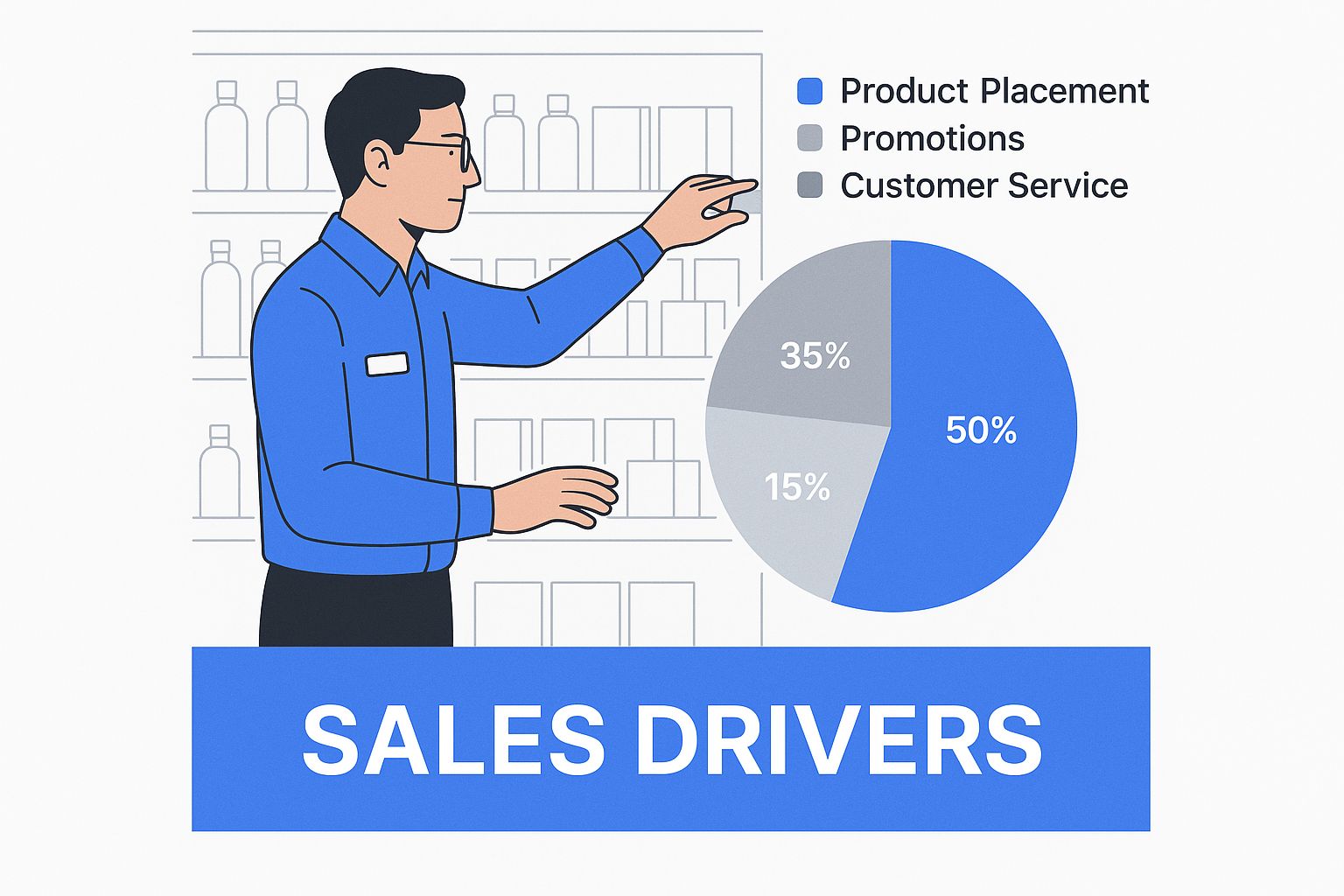
When I tested different product page layouts with VideoQi customers, the ones with high-quality images, clear pricing, and prominent reviews consistently outperformed pages that buried this information below the fold.
The trust problem
Your product descriptions can only do so much. At some point, shoppers want to hear from other customers. A PowerReviews study found that 99.9% of consumers read reviews when shopping online, and products with reviews convert 270% better than those without.
This isn’t about having all five-star ratings-in fact, products with some negative reviews often convert better because they seem more authentic. It’s about giving shoppers the third-party validation they need to feel confident about their decision.
Physical stores: the human advantage
In brick-and-mortar, your layout is your UX. Does it guide customers naturally through the space? Are complementary products positioned together? Is the path to checkout obvious?
But the biggest conversion lever in physical retail is your staff. A knowledgeable, helpful employee can turn a browser into a buyer by answering questions and solving problems in real time. That’s something eCommerce can only try to approximate.
The checkout bottleneck
This is where sales go to die. According to the Baymard Institute, the average cart abandonment rate is around 70%-and a significant portion of that is due to checkout friction.
Online, simple fixes like guest checkout, fewer form fields, and digital wallet options can recover a meaningful percentage of those abandoned carts. In-store, it means adequate staffing during peak hours and a fast POS system.
Practical ways to improve your conversion rate
Here’s what actually moves the needle, based on what we’ve seen work for our customers.
For eCommerce
Test everything. A/B test your button colors, product page layouts, and checkout flow. You’d be surprised how much a single button text change (“Add to cart” vs. “Buy now”) can affect conversion rates.
Fix your checkout. Every field you remove, every step you eliminate, every friction point you smooth out recovers lost sales. Offer guest checkout-forcing account creation before purchase is a conversion killer.
Recover abandoned carts. A simple email sequence reminding customers they left items behind, maybe with a small discount, can bring back 10-15% of abandoners. See our guide on effective sales follow-up strategies for email templates that work.
Use personalization thoughtfully. Product recommendations based on browsing history or cart contents can increase average order value-but only if they feel helpful rather than pushy.
For physical retail
Audit your layout. Walk through your store as if you’ve never been there. Where do you get stuck? What’s hard to find? Put your best sellers and highest-margin products in high-traffic areas.
Train your staff on questions, not pitches. The best retail associates know how to ask open-ended questions that uncover what customers actually need. “What brings you in today?” leads to better conversations than “Can I help you find something?”
Create urgency through events. Workshops, product launches, or exclusive member sales give people a reason to buy today rather than “maybe later.”
For a deeper dive into optimization tactics, check out our comprehensive guide on conversion rate optimization tips.
Common questions about retail conversion rates
What’s a good conversion rate?
The honest answer: it depends. A grocery eCommerce site might hit 5%+ easily because people are buying low-cost essentials frequently. A high-end furniture retailer might celebrate a 0.5% rate because customers need months to decide on a $3,000 sofa.
Start by benchmarking against your industry, then focus on improving your own numbers over time. A 10% improvement from your baseline is meaningful regardless of what that baseline is.
How do I improve mobile conversion?
Most online traffic now comes from phones, but mobile conversion rates typically lag desktop by 50% or more. The fix is thinking mobile-first, not “desktop but smaller.”
Specific moves that help:
- Integrate Apple Pay, Google Pay, and PayPal for one-tap checkout
- Make buttons thumb-friendly-big enough to tap without precision
- Optimize page speed obsessively (compress images, clean up code)
Should I prioritize traffic or conversion?
For nearly every business: start with conversion. Doubling your conversion rate from 1% to 2% doubles your revenue from the same traffic, with zero additional ad spend.
Once your store converts visitors efficiently, then scaling traffic makes sense. But driving more visitors to a site that doesn’t convert is just burning money faster.
What tools should I use to track this?
For eCommerce:
- Google Analytics for the basics
- Hotjar or Crazy Egg for heatmaps and session recordings
- VWO or Optimizely for A/B testing
For physical stores:
- Your POS system for transaction data
- Foot traffic counters-manual, infrared, or video-based solutions from ShopperTrak or RetailNext
Ready to turn more video viewers into customers? VideoQi transforms your standard videos into interactive experiences. Embed clickable calls to action, let viewers choose their own path, and capture valuable leads directly within the video player. Stop just showing your products-let your audience interact with them. Discover how you can boost engagement and drive conversions by visiting VideoQi.


