
Discover 9 online learning best practices to boost engagement and results. Explore actionable tips on interactive video, feedback, and personalization.
Moving training content online is the easy part. Making it work-actually getting people to complete courses, retain information, and change behavior-is where most teams struggle.
At VideoQi, we’ve seen corporate training programs with 90% completion rates and ones where barely 20% of employees make it past the first module. The difference isn’t budget or production quality. It’s design.
This guide covers nine research-backed practices that consistently improve outcomes, whether you’re building employee onboarding, customer education, or B2B marketing content.
1. Microlearning: small chunks, big results
One of the most reliably effective changes you can make is breaking long content into focused segments. Instead of a 45-minute lecture, create a series of 5-15 minute lessons, each with a single learning objective.
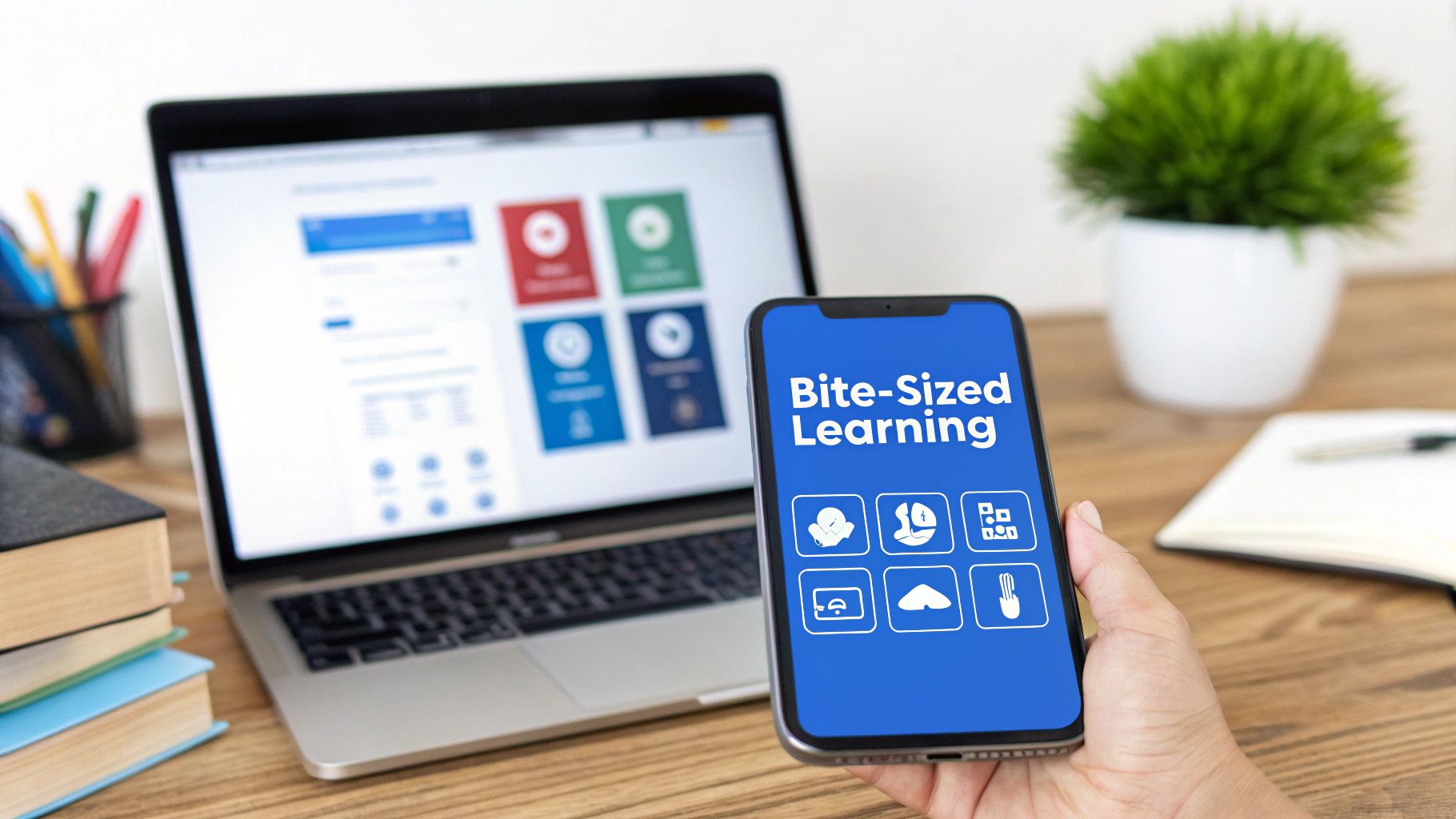
This works because of how working memory functions. According to research on cognitive load and learning, our brains can only process so much new information at once. Overwhelming that capacity leads to poor retention.
Duolingo built an entire business on 3-5 minute lessons. LinkedIn Learning structures courses as short, skill-specific videos. The pattern works across contexts.
How to implement this
- Set one clear goal per module. What should someone be able to do after finishing?
- Connect modules logically so they build on each other, even though each stands alone
- End each segment with a quick knowledge check-a single question or reflection prompt
- Vary formats between short videos, infographics, and quick readings
2. Interactive elements that actually help
Adding interactivity sounds good in theory, but I’ve seen plenty of courses where clicking buttons doesn’t improve learning at all. The key is aligning interactions with your educational goals.
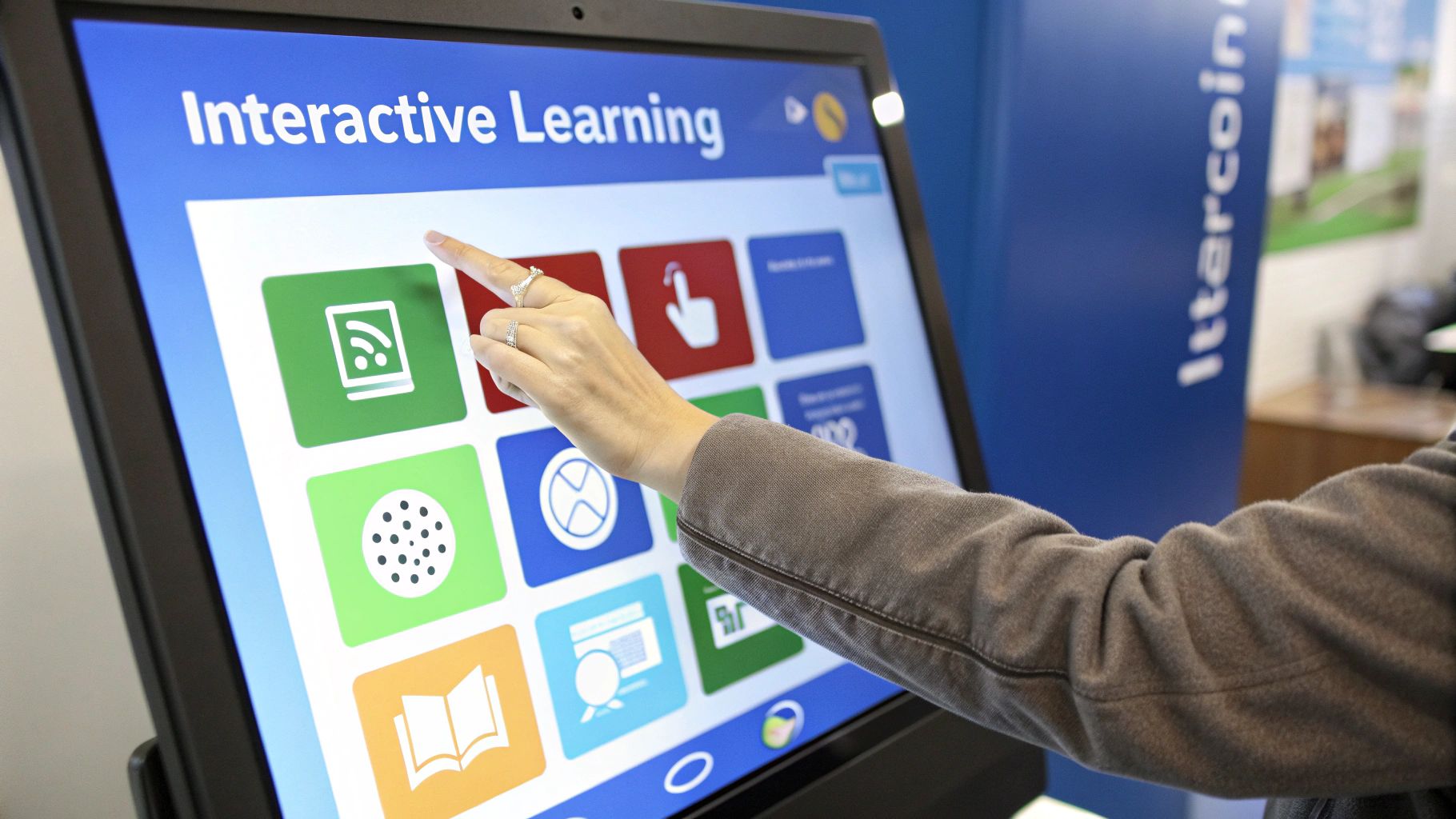
This aligns with Richard Mayer’s research on multimedia learning: people process information more deeply when it comes through both visual and verbal channels, and when they actively engage with it rather than passively watching.
Labster creates virtual science labs where students run experiments they couldn’t do safely in real life. Coursera embeds in-video questions that pause lectures to check understanding. These work because the interaction reinforces the concept.
Making interactions count
- Choose media that supports the learning goal-animation for processes, simulation for practice, infographic for data
- Provide captions, transcripts, and keyboard navigation for accessibility
- Test across devices before launch. What works on desktop might break on mobile
- Use multimedia to clarify concepts, not as decoration
3. Active learning over passive consumption
Watching videos is easy. Learning is not. The most effective courses require learners to do something with the information-solve problems, discuss with peers, apply concepts to real scenarios.
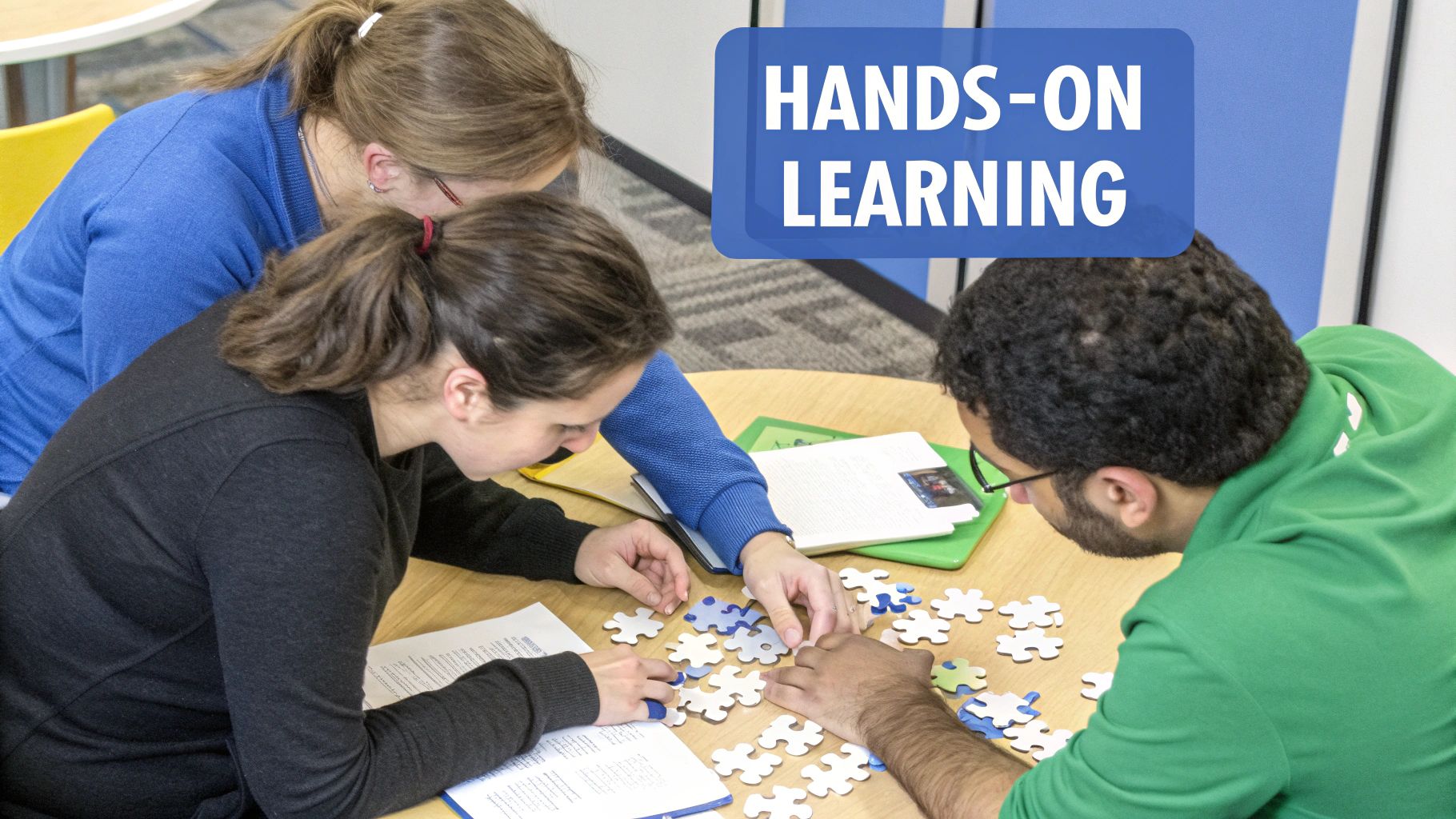
Harvard’s case study method, adapted for online environments, drives robust discussion and analysis. Programming courses use GitHub for collaborative projects. Corporate training uses Slack channels for real-time problem-solving. The common thread: participation is expected, not optional.
For more on creating participation-driven content, see our guide on how to create interactive video.
Building active participation
- Define participation expectations upfront-what counts as engagement in your course
- Start with icebreakers to build comfort before diving into content
- Provide templates for discussions and peer feedback to ensure quality contributions
- Rotate group compositions so learners get exposed to different perspectives
4. Personalized learning paths
One-size-fits-all training wastes time. Someone with five years of experience doesn’t need the same onboarding as a new hire. Personalization uses data to adapt content to individual needs, pace, and goals.
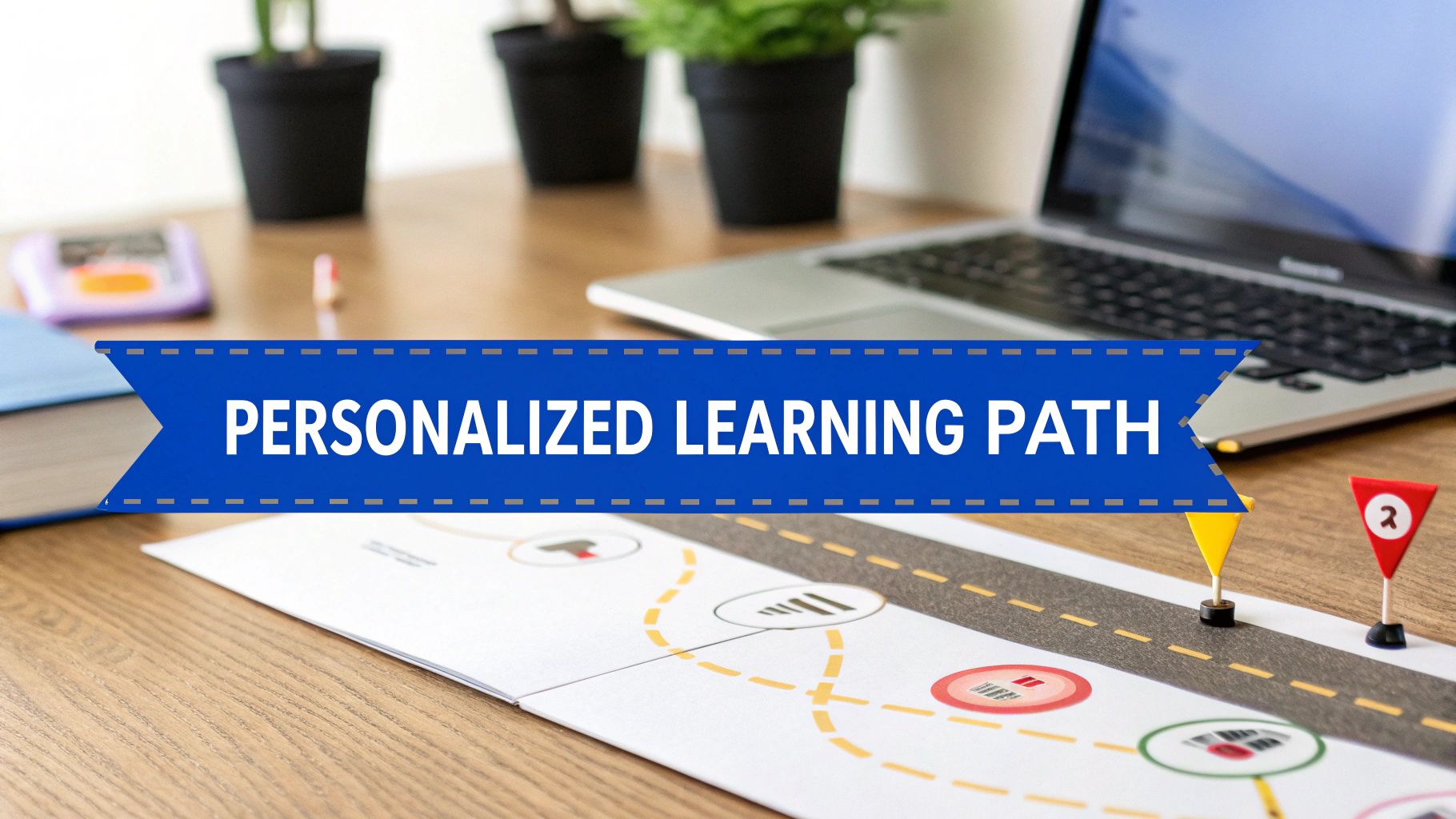
Khan Academy’s mastery-based progression, where students must demonstrate understanding before advancing, is the classic example. Corporate platforms like Degreed build custom paths based on career goals and skill gaps.
When I’ve tested personalized versus linear paths with clients, completion rates improve by 25-40%. Learners engage more when content feels relevant to their specific situation. The same principles drive personalized video marketing.
Implementing personalization
- Start with a diagnostic assessment to gauge starting skill levels
- Design multiple routes to the same learning objectives
- Use analytics to identify where learners struggle and adjust accordingly
- Give learners some control-the ability to skip familiar content or revisit tough topics
5. Continuous feedback loops
A single final exam at the end of a course is too late. By that point, learners who fell behind have already checked out. Effective courses weave assessment throughout, creating continuous feedback that catches problems early.
Codecademy provides instant feedback on coding exercises-you know immediately if your syntax is wrong. Coursera uses peer review to expose students to different approaches and thinking styles. The assessment becomes part of the learning, not just a judgment at the end.
Building feedback into your course
- Give specific, actionable feedback, not just “correct” or “incorrect”
- Share grading rubrics upfront so learners know what’s expected
- Use frequent low-stakes quizzes instead of high-stakes exams
- Automate feedback on objective questions; reserve human review for essays and projects
6. Flexible scheduling and accessibility
Your learners have jobs, families, and lives outside your course. Designing for flexibility-asynchronous content, mobile access, offline downloads-dramatically expands who can participate.
Arizona State University runs fully asynchronous degree programs for students worldwide. Coursera’s mobile app lets learners download videos for offline viewing. These aren’t just nice features; they’re the difference between someone finishing your course and dropping out.
Making content accessible to everyone
- Audit your platform against WCAG accessibility standards using tools like WAVE or axe
- Offer content in multiple formats-transcripts for audio, captions for video, text alternatives for images
- Design mobile-first with responsive layouts and clear navigation
- Minimize mandatory live sessions; record everything for those who can’t attend
7. Building community
Learning in isolation is hard. Social learning theory suggests we learn effectively through observation and interaction within a group. Building community transforms a course from content delivery into a support network.
Coursera integrates discussion forums where students help each other. freeCodeCamp has built a global community with forums and local meetups. The sense of belonging keeps people engaged through difficult material.
Fostering connection
- Set clear community guidelines from day one
- Use icebreakers and structured introductions to help learners connect
- Recognize active contributors publicly
- Create multiple participation channels-forums for async discussion, live sessions for real-time collaboration
8. Technology that gets out of the way
A confusing platform kills engagement faster than boring content. Technology should enable learning, not create friction. This means prioritizing user experience and ensuring tools work together seamlessly.
Canvas LMS integrates third-party tools like Turnitin and Zoom natively. Google Classroom’s tight integration with G Suite creates a unified workflow. The technology disappears, and learners focus on content.
Getting the tech right
- Start with learning objectives, then select tools that support them-not the other way around
- User-test with actual learners before launch. Watch them try to navigate your course
- Ensure consistency across desktop, tablet, and mobile
- Provide clear support documentation and a help desk for technical issues
9. Data-driven iteration
The best courses improve continuously. Learning analytics reveal where people struggle, which content engages them, and where they drop off. Use this data to make informed improvements rather than guessing.
Arizona State uses adaptive learning analytics to personalize paths in real time. Coursera analyzes video drop-off points and quiz patterns to identify problem areas. This evidence-based approach turns course development from a one-time project into ongoing optimization.
For deeper insights on measuring effectiveness, see our guide to content performance metrics.
Using data effectively
- Define what you’re trying to improve before collecting data-engagement, completion, assessment scores
- Combine quantitative metrics (time on task, completion rates) with qualitative feedback (surveys, forum posts)
- Focus on actionable metrics. If many learners fail a specific question, the preceding content needs work
- Schedule regular review cycles-monthly or quarterly-to analyze trends and implement improvements
Putting it together
You don’t need to implement all nine practices at once. Start with the biggest gaps in your current approach:
- Low completion rates? Look at microlearning and personalization
- Poor retention? Add more active learning and continuous assessment
- Accessibility complaints? Audit your platform and add flexible options
The goal isn’t checking boxes-it’s building learning experiences that respect your audience’s time and actually change their behavior. That takes iteration, measurement, and a willingness to keep improving.
Ready to add interactivity to your learning content? VideoQi makes it simple to embed quizzes, branching scenarios, and clickable hotspots directly into videos. Turn passive watching into active learning.


